A keyboard that keeps up.
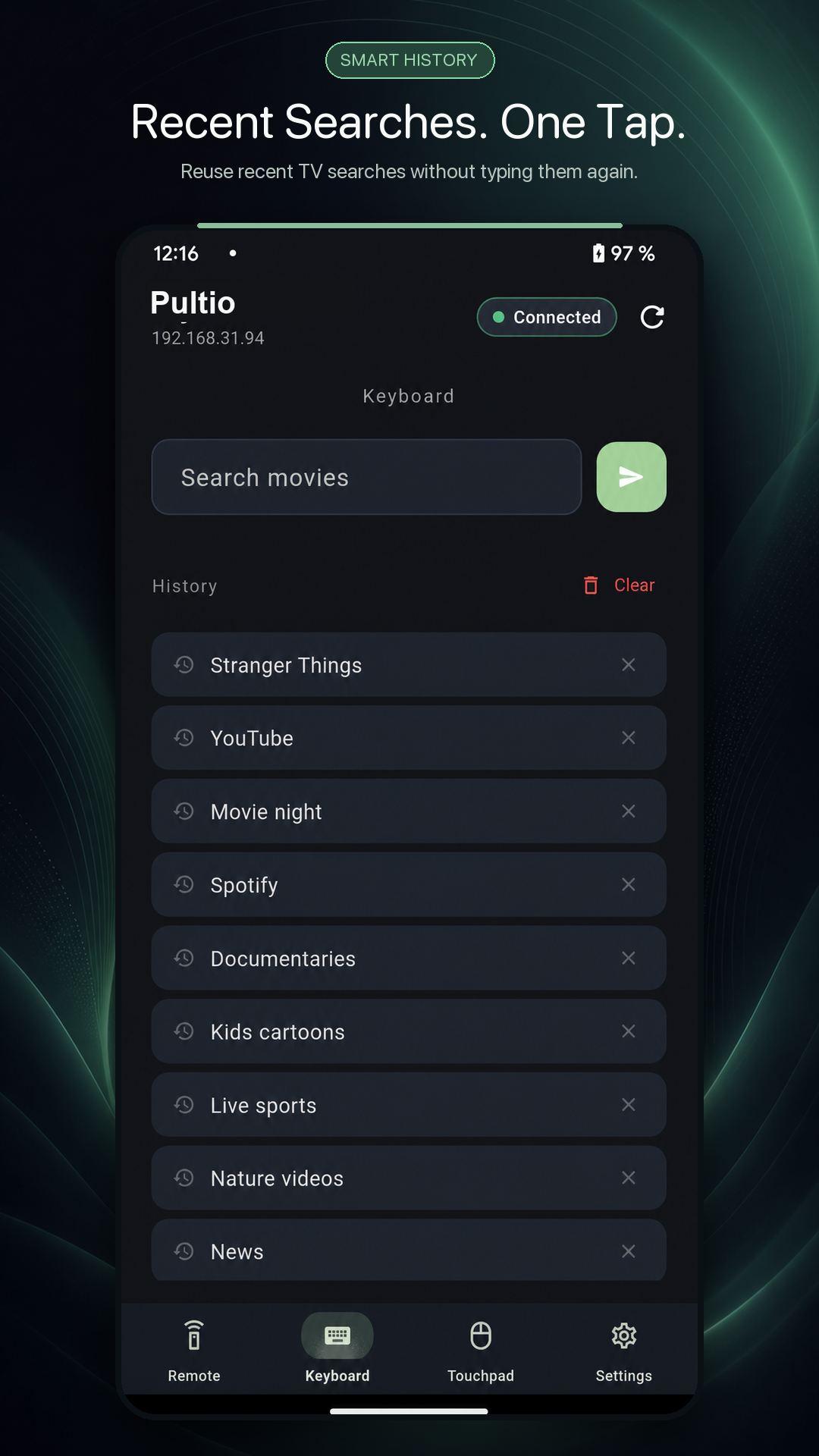
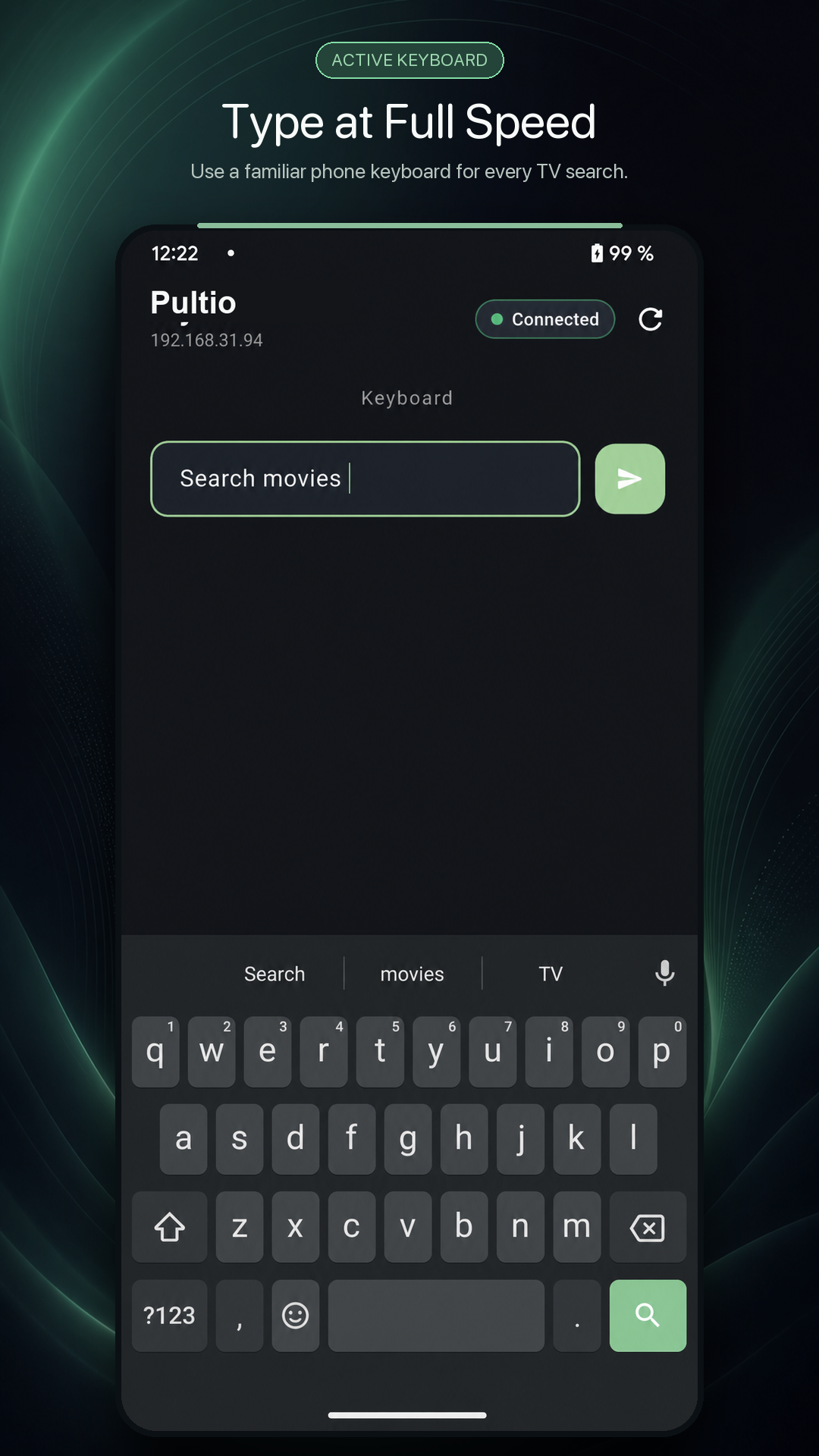
Type, paste and reuse recent searches. Text appears on your TV as naturally as a message on your phone.
 Pultio
Get Pultio
Pultio
Get Pultio
Control, type and navigate from the phone already in your hand. Fast local connection. No ADB. No clutter.
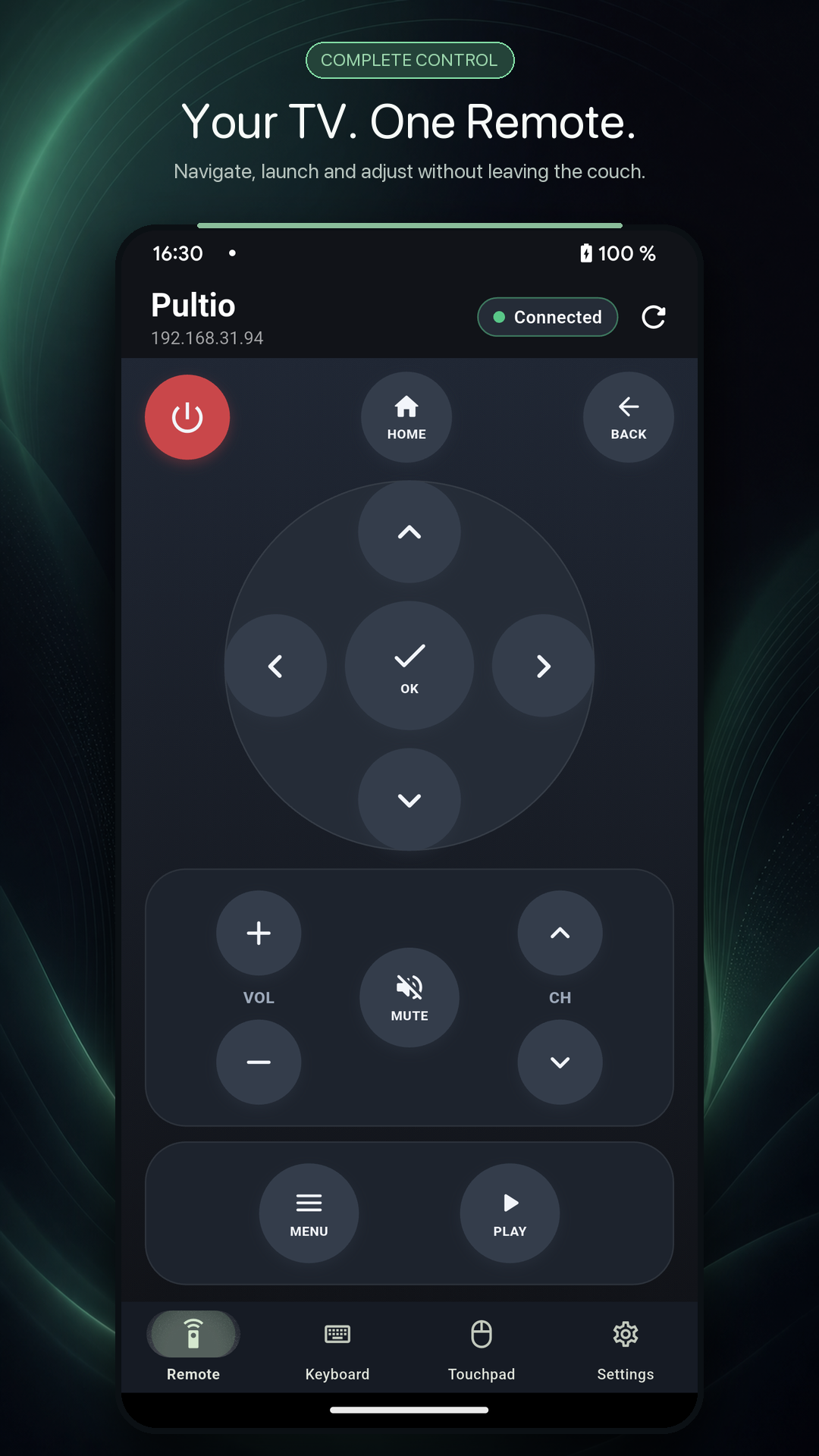
Pultio puts the controls you actually use within easy reach — from the first tap to the closing credits.
Type, paste and reuse recent searches. Text appears on your TV as naturally as a message on your phone.
Glide through apps with a spacious touchpad and familiar gestures.
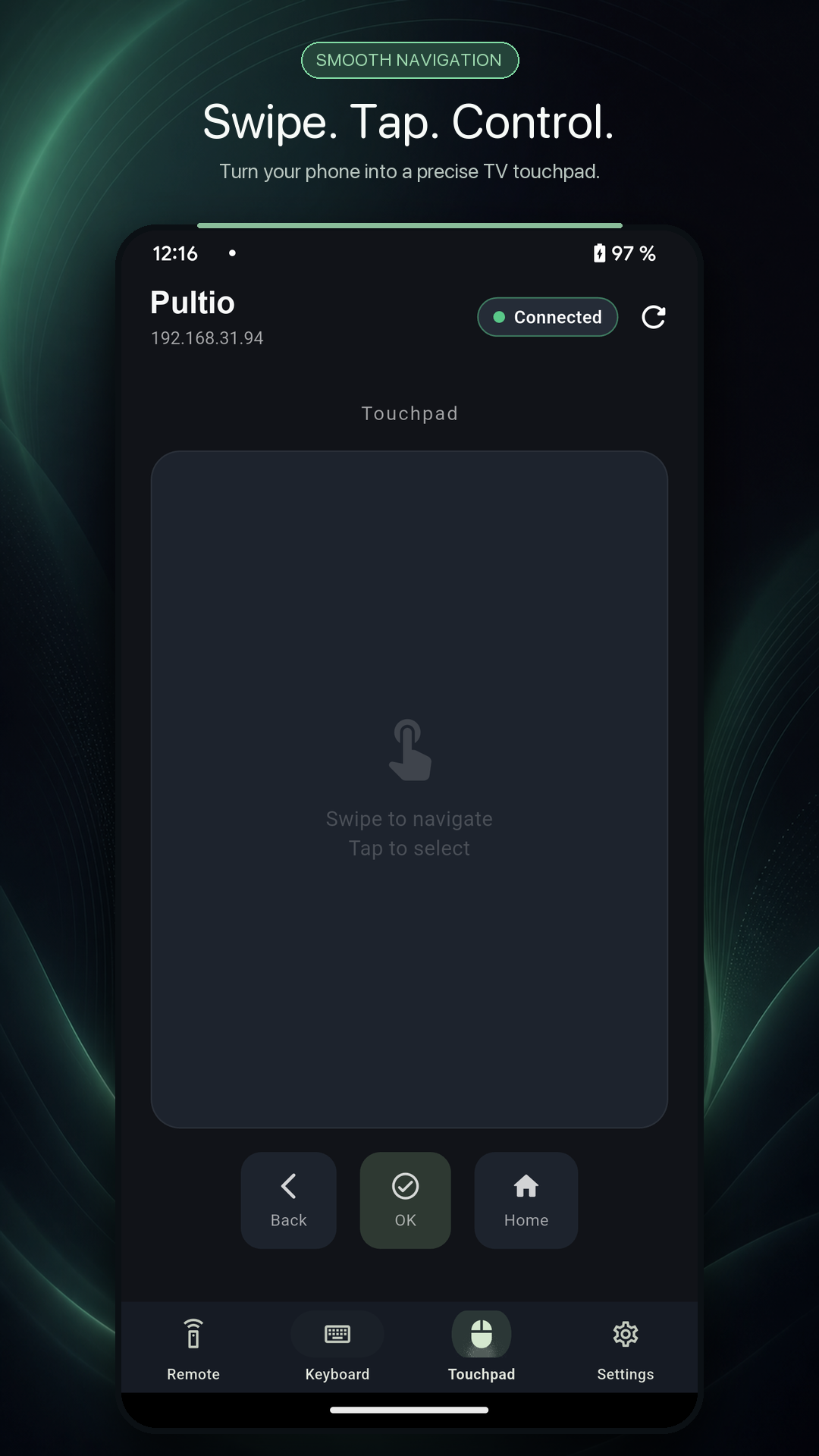
Pultio talks to your TV over your local network. No remote servers are needed for everyday control.
Power, volume, navigation and playback controls are always exactly where your thumb expects them.
No technical setup. Pultio finds compatible TVs on your network and walks you through pairing.
Connect your phone and TV to the same home network.
Pultio discovers available Android TV and Google TV devices.
Confirm the code shown on your TV. That’s it — the remote is ready.
No scrolling between power, navigation and playback. The compact layout keeps every essential control visible and ready.
Still wondering if Pultio is right for your setup? Here are the essentials.
Pultio is built for Android TV and Google TV devices that support remote pairing over the local network.
No. Pultio uses the standard TV pairing flow, so ADB and developer options are not part of normal setup.
Everyday remote control happens on your local Wi-Fi. Your phone and TV simply need to be on the same network.
Yes. When a text field is active on your TV, use Pultio’s keyboard to type, paste and reuse entries from your history.
Download Pultio for Android and take control of your Android TV or Google TV.
▶COMING SOON ONGoogle Play